

Windows 10 vs Windows 11 Performance Comparison – Which Is Faster in 2026?
Compare Windows 10 vs Windows 11 performance in speed, gaming, multitasking, and efficiency. Discover which OS is better for your PC in 2026.
PRODUCT COMPARISONS
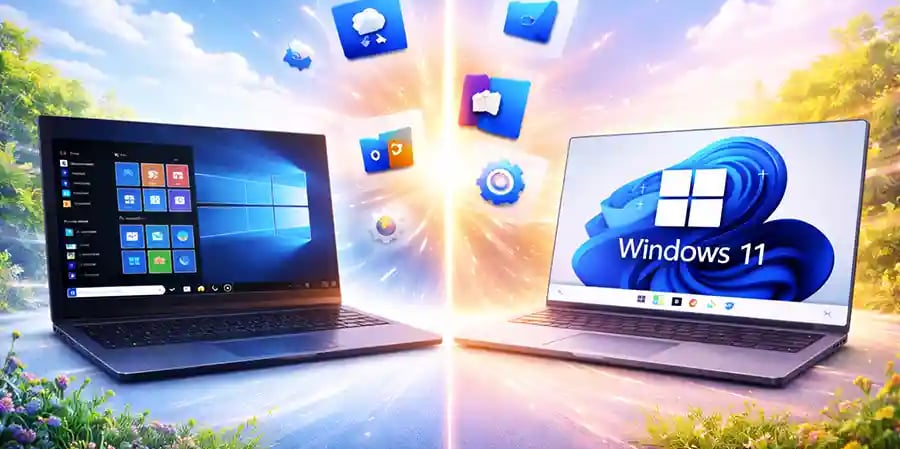
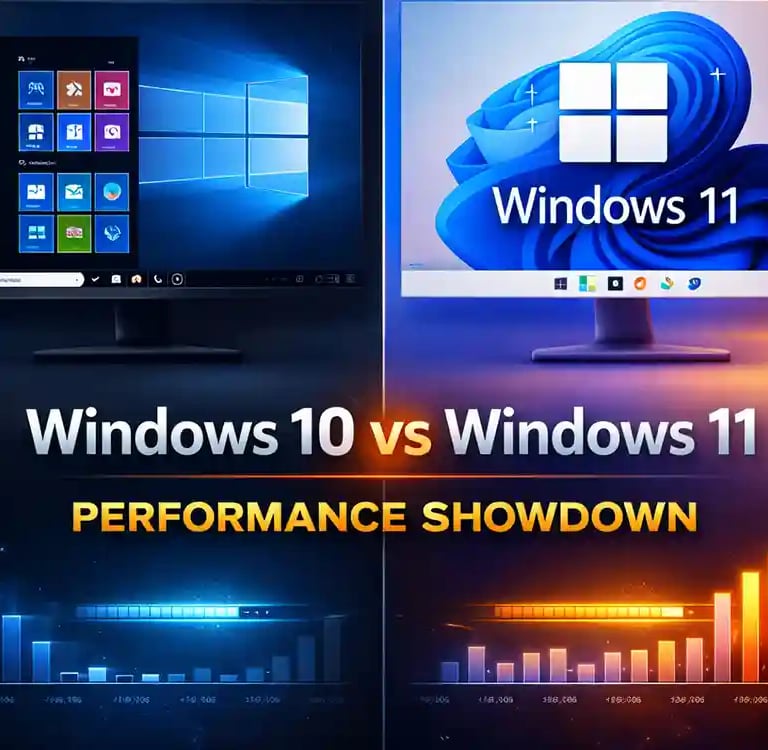
Windows 10 vs Windows 11 – Performance Comparison
Choosing between Windows 10 and Windows 11 is no longer just about design or new features—it’s about how your system performs in real-world use. Whether you’re running a business, gaming, editing videos, or simply browsing the web, performance matters. In this detailed comparison, we break down how both operating systems stack up in terms of speed, efficiency, gaming, and overall user experience—so you can make the right decision.
Introduction: A Shift in Performance Philosophy
When Windows 10 was released, it quickly became known for its stability and compatibility. It worked smoothly across a wide range of hardware, from older laptops to modern desktops. On the other hand, Windows 11 represents a shift toward modern hardware optimization, focusing on speed, efficiency, and future-ready performance.
But does newer always mean better? Let’s explore.
Boot Time and System Responsiveness
One of the first noticeable differences is boot speed. Windows 11 is optimized for systems with SSDs and newer processors, resulting in faster startup times. Thanks to improved memory management and background process handling, apps launch quicker and switching between tasks feels smoother.
Windows 10, while still reliable, can feel slightly slower—especially on newer machines where it doesn’t fully utilize modern hardware capabilities. However, on older systems, Windows 10 often performs more consistently due to its lower system requirements.
🔐 About Genuine Softwares
We provide 100% genuine and verified software licenses at affordable prices. Instant delivery, secure payments, and reliable customer support — helping you stay protected and productive.
🛒 Popular Products
Explore some of our most popular genuine software licenses trusted by thousands of users.
🔎 Search Software
📩 Subscribe
📚 Blog Categories
Browse our helpful guides and tutorials to learn more about installing, activating, and using genuine software effectively.
Helpful tutorials for installing, activating, optimizing, and managing Microsoft Windows.
Helpful tutorials for installing and using Microsoft Office applications.
Learn how to choose the right software license for home or business.
Tips to keep your computer safe from malware, viruses, and cyber threats.
Compare different software versions to find the best option for your needs.
Quick solutions for software errors, installation issues, activation problems, performance fixes.
⭐ Why Choose Genuine Softwares?
We focus on delivering trusted, affordable, and genuine software solutions for individuals and businesses worldwide.
✔ 100% Genuine Software Licenses
✔ Instant Digital Delivery
✔ Secure Payment Methods
✔ Affordable Prices
✔ Activation Support Available
CPU and RAM Efficiency
Windows 11 introduces better CPU scheduling, especially for newer multi-core processors. This means tasks are distributed more intelligently, improving performance in multitasking scenarios. If you frequently run multiple applications—like browsers, design software, and office tools simultaneously—you’ll notice a smoother experience on Windows 11.
RAM management is also improved in Windows 11. It prioritizes active apps, ensuring that the programs you’re using get more resources. This leads to faster response times and fewer slowdowns.
Windows 10 still handles everyday tasks well, but it may struggle slightly under heavy multitasking compared to Windows 11.
Gaming Performance: A Clear Winner?
For gamers, Windows 11 brings some serious upgrades. Features like Auto HDR and DirectStorage enhance graphics and reduce load times, especially in supported games. These improvements make games look better and run faster—provided your hardware supports them.
Windows 10 remains a solid choice for gaming, but it lacks some of these advanced features. In most cases, frame rates are similar, but Windows 11 offers a more future-ready gaming experience.
Software Compatibility and Stability
Here’s where Windows 10 still shines. It has broader compatibility with older software and hardware. If you rely on legacy applications or older peripherals, Windows 10 is often the safer choice.
Windows 11 has improved significantly since launch, but occasional compatibility issues can still arise—especially with older drivers or niche software.
Background Processes and Efficiency
Windows 11 is designed to be more efficient in handling background tasks. It reduces unnecessary processes, which can lead to better battery life on laptops and improved overall performance.
Windows 10, while efficient, tends to run more background services, which can slightly impact performance over time—especially on lower-end devices.
User Interface and Productivity Impact
Performance isn’t just about speed—it’s also about how efficiently you can work. Windows 11 introduces a cleaner interface, better window management (Snap Layouts), and a more modern design. These improvements can boost productivity by making multitasking easier.
Windows 10’s interface is familiar and functional, but it lacks some of the newer productivity enhancements.
Which One Should You Choose?
If you’re using a modern PC with updated hardware, Windows 11 is the better choice for performance, efficiency, and future-proofing. It’s built to take advantage of the latest technology and offers noticeable improvements in speed and responsiveness.
However, if you’re running an older system or depend on legacy software, Windows 10 remains a reliable and stable option. It may not have the latest features, but it delivers consistent performance where it matters.
Final Verdict
Windows 11 is not just an upgrade—it’s an evolution. It offers better performance optimization, improved multitasking, and enhanced gaming capabilities. But Windows 10 still holds its ground as a dependable and widely compatible operating system.
The best choice ultimately depends on your hardware and usage needs. If your system supports it, upgrading to Windows 11 can unlock better performance and a smoother experience. If not, Windows 10 continues to be a solid and trustworthy option.
Genuine
Authentic Microsoft Software Solutions at Unbeatable Prices, Instant Delivery, Trusted Worldwide.
Support & Contact
Newsletter
customercare@genuinesoftwarekeys.com
+960 796 4737
© 2026. Genuine Software Keys. All rights reserved.
100% Genuine Software


Genuine License Guaranteed






Instant Delivery
Secure Payments
24/7 Customer Support
via Email
SSL Encrypted
We’re Here Anytime


Software Keys
Subscribe Now & Unlock Exclusive Deals, Special Discounts, and the Latest Offers.
Available 24/7 – Get a Response Within 2 Minutes, Anytime You Need Us.
Popular Products


We Accept




✔ No Spam
✔ Special Offers
✔ Early Access Details
SSL Secured


Your data is safe with us
Delivery Policy | Terms and Conditions
Microsoft Office 365 Professional Plus