

Microsoft Office 365 Pro Plus – Lifetime Access for 5 Devices
Microsoft Office 365 Pro Plus is the all-in-one productivity suite designed for individuals, families, and small teams who want powerful tools at an affordable price. Get lifetime access to premium Microsoft applications such as Word, Excel, PowerPoint, Outlook, OneNote, and more—helping you create, collaborate, and stay productive from virtually anywhere.
MICROSOFT OFFICE TUTORIALS
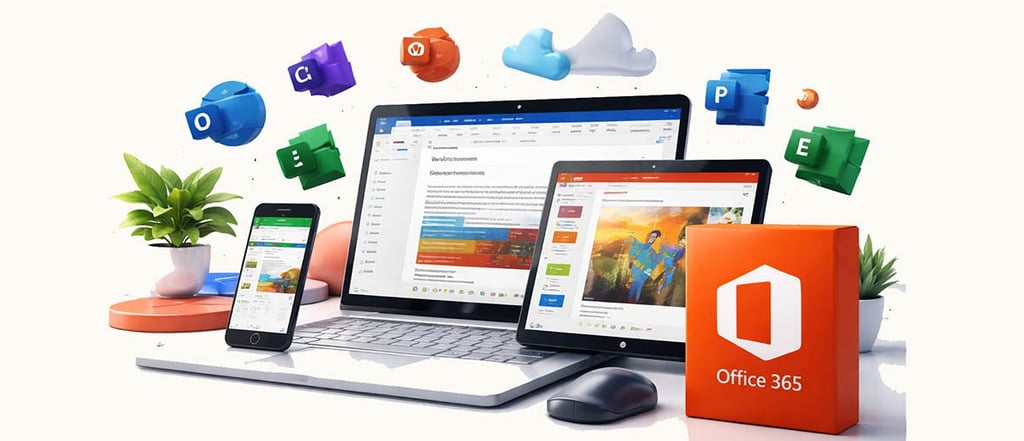

Microsoft Office 365 Pro Plus is the all-in-one productivity suite designed for individuals, families, and small teams who want powerful tools at an affordable price. Get lifetime access to premium Microsoft applications such as Word, Excel, PowerPoint, Outlook, OneNote, and more—helping you create, collaborate, and stay productive from virtually anywhere.
Install Office on up to 5 devices, including Windows PCs, macOS, tablets, and smartphones, and enjoy modern features that make work faster and easier.
Product Details
• License Format: Pre-created account (email and password). Not a license key.
• Access: Lifetime activation from the date of purchase.
• Compatibility: Supports 32-bit and 64-bit systems.
• Languages: EU Multilingual – easily change language settings after installation.
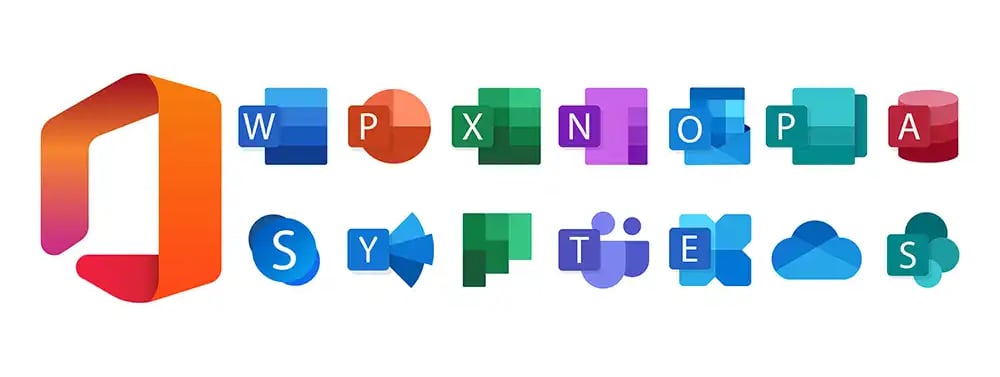
• Includes: Word, Excel, PowerPoint, Outlook, OneNote, Skype for Business, and more.
This product comes with a new Microsoft 365 account. It cannot be added to or upgraded from an existing Outlook or Microsoft account. You can activate and use it on Windows, Mac, Android, and iOS devices, with support for up to 5 devices.
Important Notes
• ✅ You can change the account password and secure your login.
• ✅ Account details are provided instantly with download instructions.
• ❌ Not an activation key.
• ❌ Not a physical product.
• ❌ Password recovery is not supported.
• ❌ Designed primarily for Windows 10/11 compatibility.
Pre-created accounts follow a format such as example@office365.pro. While usernames cannot be customized, you are free to update the password and begin using the service immediately.
⸻
🔐 About Genuine Softwares
We provide 100% genuine and verified software licenses at affordable prices. Instant delivery, secure payments, and reliable customer support — helping you stay protected and productive.
🛒 Popular Products
Explore some of our most popular genuine software licenses trusted by thousands of users.
🔎 Search Software
📩 Subscribe
📚 Blog Categories
Browse our helpful guides and tutorials to learn more about installing, activating, and using genuine software effectively.
Helpful tutorials for installing, activating, optimizing, and managing Microsoft Windows.
Helpful tutorials for installing and using Microsoft Office applications.
Learn how to choose the right software license for home or business.
Tips to keep your computer safe from malware, viruses, and cyber threats.
Compare different software versions to find the best option for your needs.
Quick solutions for software errors, installation issues, activation problems, performance fixes.
⭐ Why Choose Genuine Softwares?
We focus on delivering trusted, affordable, and genuine software solutions for individuals and businesses worldwide.
✔ 100% Genuine Software Licenses
✔ Instant Digital Delivery
✔ Secure Payment Methods
✔ Affordable Prices
✔ Activation Support Available
Microsoft Office 365 Professional Plus – Upgraded License Activation
Office 365 Pro Plus is available through volume licensing channels and includes Microsoft’s core applications along with additional productivity tools. If you are tired of purchasing Office packages individually and want a complete solution for personal or business use, this is a smart and budget-friendly choice.
With lifetime access, you can enjoy your favorite Office applications—Word, Excel, PowerPoint, Access, Outlook, Publisher, and more—all in one package. Work from anywhere, keep your files organized, and experience the reliability of Microsoft’s trusted software.
⸻
Installation Instructions
For PC / Mac
1. After purchase and payment confirmation, you will receive a user ID and temporary password to log in at office.com.
2. On your first login, change the temporary password to secure your account.
3. Click Install Office at the top of the page, then download and install the software.
4. If you encounter any issues, contact support for assistance with installation and activation.
For Tablets, Android, iPad, and iPhone
1. Download each Office app from the Google Play Store or Apple App Store.
2. Log in using the provided credentials to activate your apps.
⸻
Why Choose Office 365 Pro Plus?
• Affordable solution suitable for everyone
• Full suite of Microsoft applications in one package
• Works on PC, Mac, and smart devices
• Supports both 32-bit and 64-bit systems
• Multi-language support
• Online updates available
• One account usable on up to 5 devices
• Modern touch-friendly features for faster productivity
Note: Publisher and Access are available only on Windows computers


Microsoft Office 365 Pro Plus
Genuine
Authentic Microsoft Software Solutions at Unbeatable Prices, Instant Delivery, Trusted Worldwide.
Support & Contact
Newsletter
customercare@genuinesoftwarekeys.com
+960 796 4737
© 2026. Genuine Software Keys. All rights reserved.
100% Genuine Software


Genuine License Guaranteed






Instant Delivery
Secure Payments
24/7 Customer Support
via Email
SSL Encrypted
We’re Here Anytime


Software Keys
Subscribe Now & Unlock Exclusive Deals, Special Discounts, and the Latest Offers.
Available 24/7 – Get a Response Within 2 Minutes, Anytime You Need Us.
Popular Products


We Accept




✔ No Spam
✔ Special Offers
✔ Early Access Details
SSL Secured


Your data is safe with us
Delivery Policy | Terms and Conditions
Microsoft Office 365 Professional Plus