
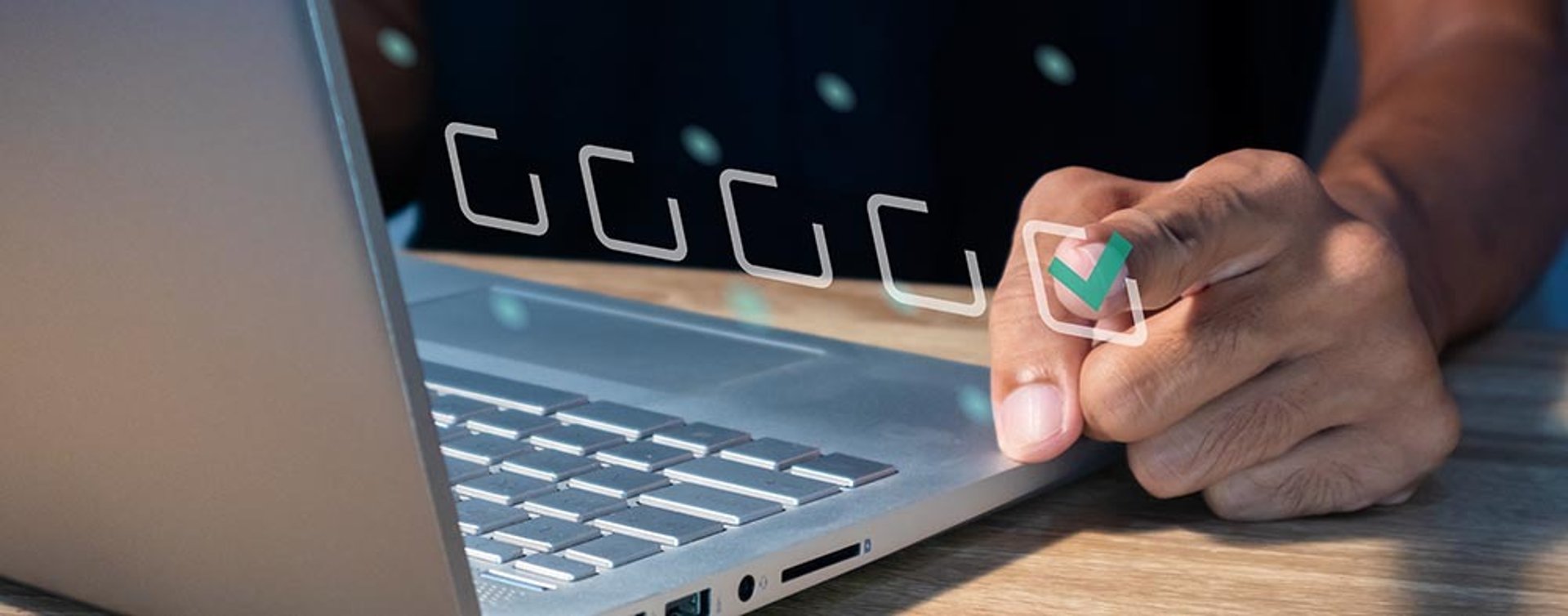
How to Secure Your Windows PC from Hackers (Complete 2026 Guide)
Learn how to secure your Windows PC from hackers with practical tips, tools, and strategies. Protect your data, privacy, and online accounts easily
CYBERSECURITY & ANTIVIRUS
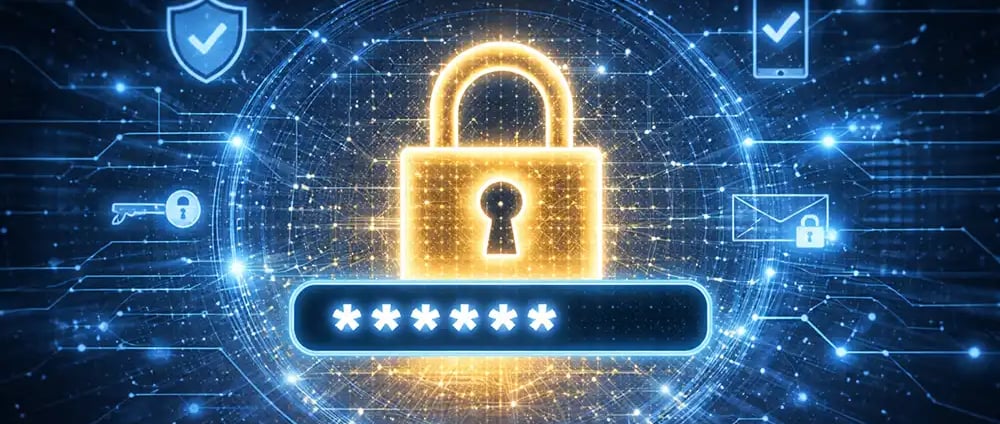
A Complete, Practical Guide to Protect Your Data, Privacy, and Peace of Mind
In today’s connected world, your Windows PC is more than just a device—it’s your workplace, your bank, your communication hub, and your personal archive. That also makes it a prime target for hackers. Whether it’s ransomware locking your files, spyware tracking your activity, or phishing attacks stealing your passwords, threats are constantly evolving.
The good news is that securing your PC doesn’t require advanced technical knowledge. With the right habits, tools, and awareness, you can dramatically reduce your risk. This guide walks you through everything you need to know in a clear, practical way—so you can stay protected without feeling overwhelmed.
Why Windows PCs Are Common Targets for Hackers
Windows remains the most widely used operating system in the world, which naturally makes it a bigger target. Cybercriminals focus on what gives them the highest return, and millions of unprotected or poorly configured PCs provide exactly that opportunity.
Many attacks succeed not because hackers are highly skilled, but because users overlook simple security steps. Outdated systems, weak passwords, and unsafe browsing habits create easy entry points. That’s why understanding the basics—and applying them consistently—is far more powerful than relying on a single tool.
Keep Your System Updated at All Times
One of the simplest yet most effective ways to secure your PC is to keep your system updated. Updates aren’t just about new features—they fix security vulnerabilities that hackers actively exploit.
When you delay updates, you’re essentially leaving your door unlocked. Enabling automatic updates ensures your system is always protected against the latest threats. It’s a small step that makes a big difference.
🔐 About Genuine Softwares
We provide 100% genuine and verified software licenses at affordable prices. Instant delivery, secure payments, and reliable customer support — helping you stay protected and productive.
🛒 Popular Products
Explore some of our most popular genuine software licenses trusted by thousands of users.
🔎 Search Software
📩 Subscribe
📚 Blog Categories
Browse our helpful guides and tutorials to learn more about installing, activating, and using genuine software effectively.
Helpful tutorials for installing, activating, optimizing, and managing Microsoft Windows.
Helpful tutorials for installing and using Microsoft Office applications.
Learn how to choose the right software license for home or business.
Tips to keep your computer safe from malware, viruses, and cyber threats.
Compare different software versions to find the best option for your needs.
Quick solutions for software errors, installation issues, activation problems, performance fixes.
⭐ Why Choose Genuine Softwares?
We focus on delivering trusted, affordable, and genuine software solutions for individuals and businesses worldwide.
✔ 100% Genuine Software Licenses
✔ Instant Digital Delivery
✔ Secure Payment Methods
✔ Affordable Prices
✔ Activation Support Available
Use Strong Passwords and Smarter Authentication
Weak passwords are one of the most common reasons accounts get hacked. Using simple combinations like “123456” or “password” is like inviting attackers in.
Instead, create passwords that are long, unique, and unpredictable. A good password combines uppercase letters, lowercase letters, numbers, and symbols. Even better, use a passphrase—something like a sentence that’s easy for you to remember but hard to guess.
Adding two-factor authentication (2FA) wherever possible gives you an extra layer of security. Even if someone gets your password, they still can’t access your account without the second verification step.
Turn On Built-In Security Features
Modern Windows systems come with powerful built-in protection tools, but many users don’t fully utilize them.
Windows Security (formerly known as Windows Defender) provides real-time protection against viruses, malware, and suspicious activity. Make sure it’s enabled and running.
The firewall is another essential feature that monitors incoming and outgoing traffic. Keeping it active helps block unauthorized access to your system.
These tools are already available—you just need to ensure they’re properly configured and active.
Be Careful with Emails, Links, and Downloads
Many cyberattacks start with a simple click. Phishing emails are designed to look legitimate, often pretending to be from banks, delivery services, or popular platforms.
If an email asks for sensitive information or urges immediate action, take a moment to verify it. Avoid clicking unknown links or downloading attachments from untrusted sources.
Even websites can be deceptive. Always check for secure connections (HTTPS) and avoid downloading software from unofficial or suspicious sites.
Install Software Only from Trusted Sources
Free software can be tempting, but downloading programs from unknown websites can expose your PC to malware. Many malicious applications disguise themselves as useful tools.
Stick to official websites or trusted platforms when installing software. Avoid cracked or pirated software—they often contain hidden threats that compromise your system.
Secure Your Internet Connection
Your internet connection is another gateway hackers may try to exploit. If you’re using Wi-Fi, make sure your network is protected with a strong password and modern encryption like WPA3.
Public Wi-Fi networks are especially risky. When using them, avoid accessing sensitive accounts like online banking unless you’re connected through a secure VPN.
Backup Your Data Regularly
Even with strong security, no system is completely immune. That’s why backups are essential.
Regularly back up your important files to an external drive or a secure cloud service. If your system is ever compromised—especially by ransomware—you’ll still have access to your data.
Think of backups as your safety net. You hope you never need them, but you’ll be glad they’re there if something goes wrong.
Monitor and Control App Permissions
Many apps request access to your camera, microphone, location, or files. While some permissions are necessary, others may be excessive.
Take time to review app permissions in your system settings. Disable anything that doesn’t feel essential. This helps reduce the risk of spyware or unauthorized data access.
Stay Informed and Build Safe Habits
Cybersecurity isn’t just about tools—it’s about behavior. Staying informed about common scams and threats helps you recognize danger before it becomes a problem.
Simple habits like logging out of shared devices, locking your screen, and avoiding suspicious downloads can make a huge difference over time.
Final Thoughts: Security Is a Continuous Process
Securing your Windows PC isn’t something you do once and forget. It’s an ongoing process that evolves as new threats emerge.
The goal isn’t to become a cybersecurity expert—it’s to build a strong, layered defense. When you combine updates, smart habits, and built-in tools, you create an environment that’s much harder for hackers to penetrate.
Start with the basics, stay consistent, and you’ll already be ahead of most users.


Genuine
Authentic Microsoft Software Solutions at Unbeatable Prices, Instant Delivery, Trusted Worldwide.
Support & Contact
Newsletter
customercare@genuinesoftwarekeys.com
+960 796 4737
© 2026. Genuine Software Keys. All rights reserved.
100% Genuine Software
Genuine License Guaranteed




Instant Delivery
Secure Payments
24/7 Customer Support
via Email
SSL Encrypted
We’re Here Anytime


Software Keys
Subscribe Now & Unlock Exclusive Deals, Special Discounts, and the Latest Offers.
Available 24/7 – Get a Response Within 2 Minutes, Anytime You Need Us.
Popular Products


We Accept




✔ No Spam
✔ Special Offers
✔ Early Access Details
SSL Secured
Your data is safe with us
Delivery Policy | Terms and Conditions
Microsoft Office 365 Professional Plus