
How to Choose a Genuine Windows License Key (Avoid Fake Keys Online)
Learn how to identify genuine Windows license keys, avoid fake software sellers, and ensure secure activation for your PC. This guide helps you choose the right license and buy safely online.
WINDOWS GUIDES
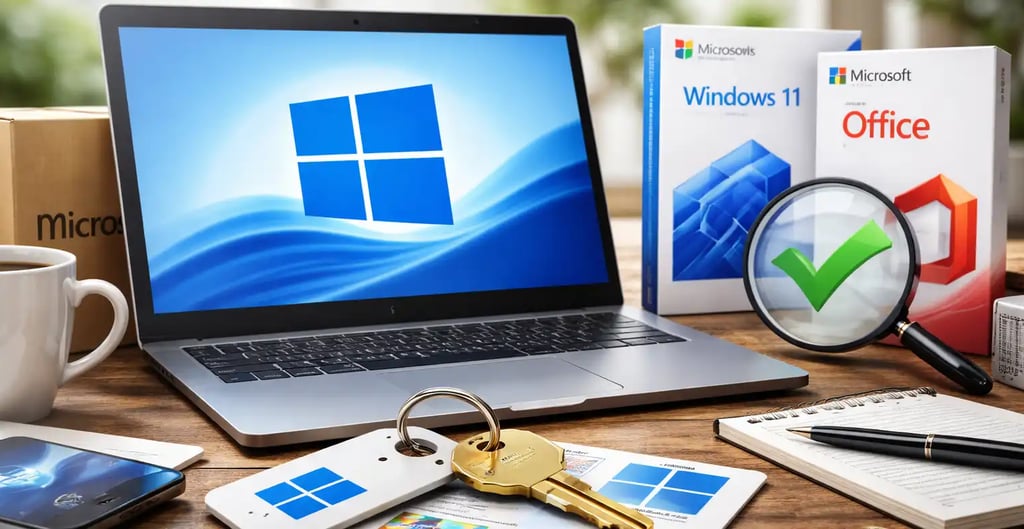
Buying a software license online can sometimes feel confusing. With hundreds of websites offering cheap product keys, many users worry about whether the key they purchase is genuine, legal, and safe to use.
When purchasing operating systems such as Microsoft Windows 11 or productivity tools like Microsoft Office, choosing a genuine license key is essential for security, updates, and long-term reliability.
In this guide, we will explain how to identify genuine software keys, avoid scams, and ensure you get the best value for your purchase.
Why Buying Genuine Software Matters
Many users are tempted to purchase extremely cheap keys from unknown sellers. However, using non-genuine software can create serious problems.
Security Risks
Non-genuine software may contain malware or malicious modifications that can compromise your personal data.
No Security Updates
Operating systems such as Microsoft Windows 10 and Microsoft Windows 11 receive regular updates that fix security vulnerabilities. Non-activated or illegal copies may not receive these updates.
System Instability
Fake or reused license keys can suddenly stop working, causing activation errors.
No Customer Support
Official updates and support from Microsoft services only work properly with genuine software.
🔐 About Genuine Softwares
We provide 100% genuine and verified software licenses at affordable prices. Instant delivery, secure payments, and reliable customer support — helping you stay protected and productive.
🛒 Popular Products
Explore some of our most popular genuine software licenses trusted by thousands of users.
🔎 Search Software
📩 Subscribe
📚 Blog Categories
Browse our helpful guides and tutorials to learn more about installing, activating, and using genuine software effectively.
Helpful tutorials for installing, activating, optimizing, and managing Microsoft Windows.
Helpful tutorials for installing and using Microsoft Office applications.
Learn how to choose the right software license for home or business.
Tips to keep your computer safe from malware, viruses, and cyber threats.
Compare different software versions to find the best option for your needs.
Quick solutions for software errors, installation issues, activation problems, performance fixes.
⭐ Why Choose Genuine Softwares?
We focus on delivering trusted, affordable, and genuine software solutions for individuals and businesses worldwide.
✔ 100% Genuine Software Licenses
✔ Instant Digital Delivery
✔ Secure Payment Methods
✔ Affordable Prices
✔ Activation Support Available
Signs of a Genuine Windows License Key
When purchasing a license key online, there are several things you should check.
1. Instant Digital Delivery
Most legitimate sellers deliver license keys via email after payment. This ensures quick access without shipping delays.
2. One-Time Activation
A genuine key should activate your system permanently or according to the license terms.
3. Activation Through Microsoft Servers
Always ensure that the activation happens directly through Microsoft servers.
4. Customer Support Availability
Trustworthy stores provide support in case activation issues occur.
OEM vs Retail vs Volume Licenses
Understanding license types helps you make the right purchase.
OEM License
OEM licenses are usually cheaper and tied to a single computer.
Best for:
Personal computers
Budget installations
Retail License
Retail licenses allow transferring the license to another device if needed.
Best for:
Professionals
Users who upgrade hardware frequently
Volume Licenses
Designed for companies managing multiple computers.
Best for:
Businesses
Organizations


How to Activate Windows After Purchase
Activating your Windows system is simple.
Open Settings
Go to Update & Security
Select Activation
Enter your product key
Click Activate
Your system should activate within seconds if the key is genuine.


Benefits of Buying From Trusted Software Key Stores
When purchasing from trusted providers like Genuine Software Keys, customers receive several benefits:
• Instant digital delivery
• Secure payment methods
• Genuine activation keys
• Customer support
• Competitive pricing
These factors ensure you receive safe and reliable software.
Final Thoughts
Buying a genuine software license is one of the best investments you can make for your computer. It guarantees security, reliability, and long-term usability.
Before purchasing, always verify the seller, check activation methods, and ensure the product key is authentic.
If you want a reliable and affordable way to activate your Windows system, explore trusted providers that specialize in genuine digital license keys.
How to Choose a Genuine Windows License Key
Genuine
Authentic Microsoft Software Solutions at Unbeatable Prices, Instant Delivery, Trusted Worldwide.
Support & Contact
Newsletter
customercare@genuinesoftwarekeys.com
+960 796 4737
© 2026. Genuine Software Keys. All rights reserved.
100% Genuine Software


Genuine License Guaranteed






Instant Delivery
Secure Payments
24/7 Customer Support
via Email
SSL Encrypted
We’re Here Anytime


Software Keys
Subscribe Now & Unlock Exclusive Deals, Special Discounts, and the Latest Offers.
Available 24/7 – Get a Response Within 2 Minutes, Anytime You Need Us.
Popular Products


We Accept




✔ No Spam
✔ Special Offers
✔ Early Access Details
SSL Secured


Your data is safe with us
Delivery Policy | Terms and Conditions
Microsoft Office 365 Professional Plus