
Fix Outlook Not Sending Emails (2026 Guide) – Easy & Proven Solutions
Learn how to fix Microsoft Outlook not sending emails with 10 proven solutions. Step-by-step guide to troubleshoot Outlook email issues بسرعة and restore sending instantly.
TROUBLESHOOTING & FIXES
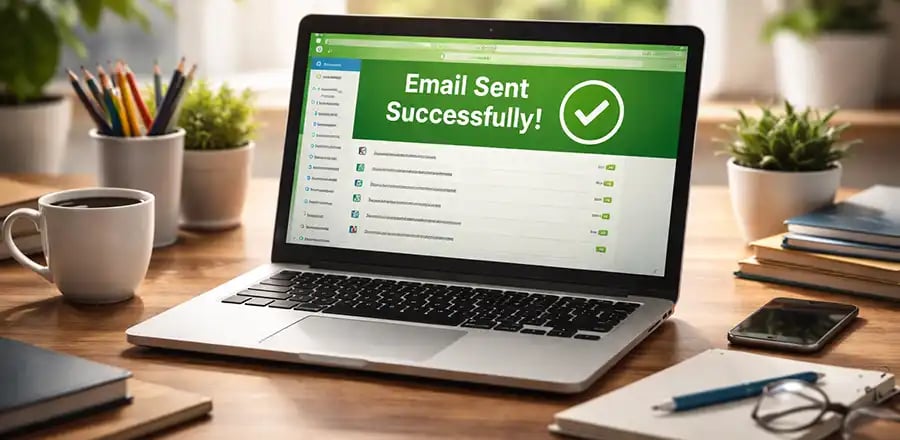

Email communication is essential for both personal and business use. So when Microsoft Outlook stops sending emails, it can quickly become frustrating and disruptive.
If you're facing the “Outlook not sending emails” issue, don’t worry — this guide will walk you through simple, effective, and professional solutions to get your emails flowing again.
Common Reasons Why Outlook Won’t Send Emails
Before jumping into fixes, it's important to understand the possible causes:
Poor or no internet connection
Incorrect SMTP settings
Large attachments blocking emails
Emails stuck in the Outbox
Antivirus or firewall interference
Corrupted Outlook profile or data file
Outdated Outlook application
10 Proven Ways to Fix Outlook Not Sending Emails
🔐 About Genuine Softwares
We provide 100% genuine and verified software licenses at affordable prices. Instant delivery, secure payments, and reliable customer support — helping you stay protected and productive.
🛒 Popular Products
Explore some of our most popular genuine software licenses trusted by thousands of users.
🔎 Search Software
📩 Subscribe
📚 Blog Categories
Browse our helpful guides and tutorials to learn more about installing, activating, and using genuine software effectively.
Helpful tutorials for installing, activating, optimizing, and managing Microsoft Windows.
Helpful tutorials for installing and using Microsoft Office applications.
Learn how to choose the right software license for home or business.
Tips to keep your computer safe from malware, viruses, and cyber threats.
Compare different software versions to find the best option for your needs.
Quick solutions for software errors, installation issues, activation problems, performance fixes.
⭐ Why Choose Genuine Softwares?
We focus on delivering trusted, affordable, and genuine software solutions for individuals and businesses worldwide.
✔ 100% Genuine Software Licenses
✔ Instant Digital Delivery
✔ Secure Payment Methods
✔ Affordable Prices
✔ Activation Support Available
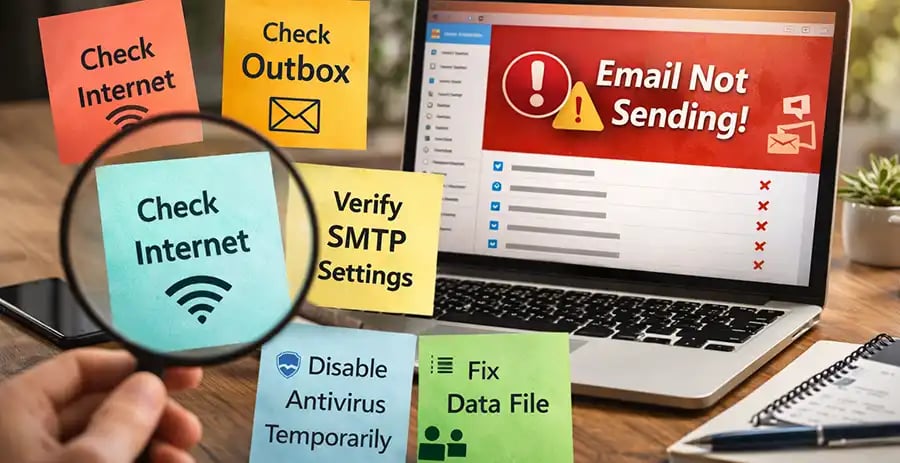
1. Check Your Internet Connection
A weak or unstable connection is the most common cause.
👉 Make sure:
Your Wi-Fi or mobile data is working
Try opening a website to confirm connectivity
Restart your router if needed
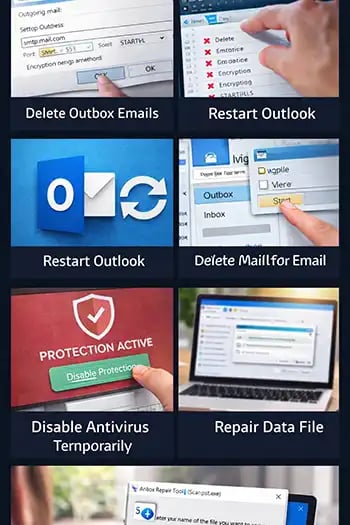
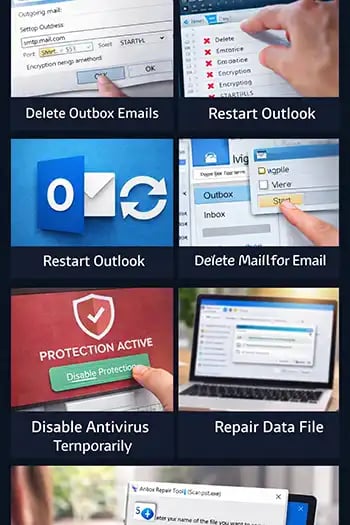
2. Check the Outbox Folder
Sometimes emails get stuck and prevent others from sending.
👉 What to do:
Open Outlook → Go to Outbox
Delete or resend stuck emails
Remove large attachments if necessary
3. Verify SMTP Server Settings
Incorrect outgoing server settings can block emails.
👉 Check:
SMTP server address
Port number (usually 587 or 465)
Encryption method (TLS/SSL)
Username & password
👉 Tip: Contact your email provider if unsure.
4. Remove Large Attachments
Big files can stop email delivery.
👉 Solution:
Keep attachments under 20–25 MB
Use cloud services like Google Drive or Dropbox to share files
5. Restart Outlook
Sometimes, a simple restart fixes temporary glitches.
👉 Steps:
Close Outlook completely
Reopen and try sending again
6. Disable Antivirus or Firewall Temporarily
Security software may block outgoing emails.
👉 Try:
Temporarily disable antivirus
Check email sending
Re-enable after testing
⚠️ Important: Only disable temporarily for testing.
7. Repair Outlook Data File
Corrupted files can cause sending issues.
👉 Use Inbox Repair Tool (ScanPST):
Locate ScanPST.exe
Scan your Outlook data file (.pst)
Repair errors
8. Recreate Outlook Profile
A damaged profile can prevent email sending.
👉 Steps:
Go to Control Panel → Mail
Click “Show Profiles”
Create a new profile
Set it as default
9. Update Outlook
Outdated software can cause bugs and errors.
👉 Update via:
File → Office Account → Update Options
Keeping Microsoft Outlook updated ensures better performance and security.
10. Disable Add-ins
Some add-ins interfere with email sending.
👉 Fix:
Open Outlook in Safe Mode
Disable unnecessary add-ins
Restart Outlook
Bonus Tips to Prevent Future Issues
Regularly clean your mailbox
Avoid sending very large attachments
Keep your system and Outlook updated
Use genuine licensed software (avoid cracked versions)
Backup your emails periodically
When Should You Contact Support?
If none of the above solutions work:
👉 You should:
Contact your email service provider
Reach out to Microsoft support
Check if your account is blocked or restricted
Final Thoughts
Email issues can be stressful, especially when you rely on them for business communication. Thankfully, most “Outlook not sending emails” problems are easy to fix with the right approach.
By following the steps above, you can quickly troubleshoot and restore your email functionality — ensuring smooth communication without interruptions.
Fix Outlook Not Sending Emails (2026 Guide)
Genuine
Authentic Microsoft Software Solutions at Unbeatable Prices, Instant Delivery, Trusted Worldwide.
Support & Contact
Newsletter
customercare@genuinesoftwarekeys.com
+960 796 4737
© 2026. Genuine Software Keys. All rights reserved.
100% Genuine Software


Genuine License Guaranteed






Instant Delivery
Secure Payments
24/7 Customer Support
via Email
SSL Encrypted
We’re Here Anytime


Software Keys
Subscribe Now & Unlock Exclusive Deals, Special Discounts, and the Latest Offers.
Available 24/7 – Get a Response Within 2 Minutes, Anytime You Need Us.
Popular Products


We Accept




✔ No Spam
✔ Special Offers
✔ Early Access Details
SSL Secured


Your data is safe with us
Delivery Policy | Terms and Conditions
Microsoft Office 365 Professional Plus